
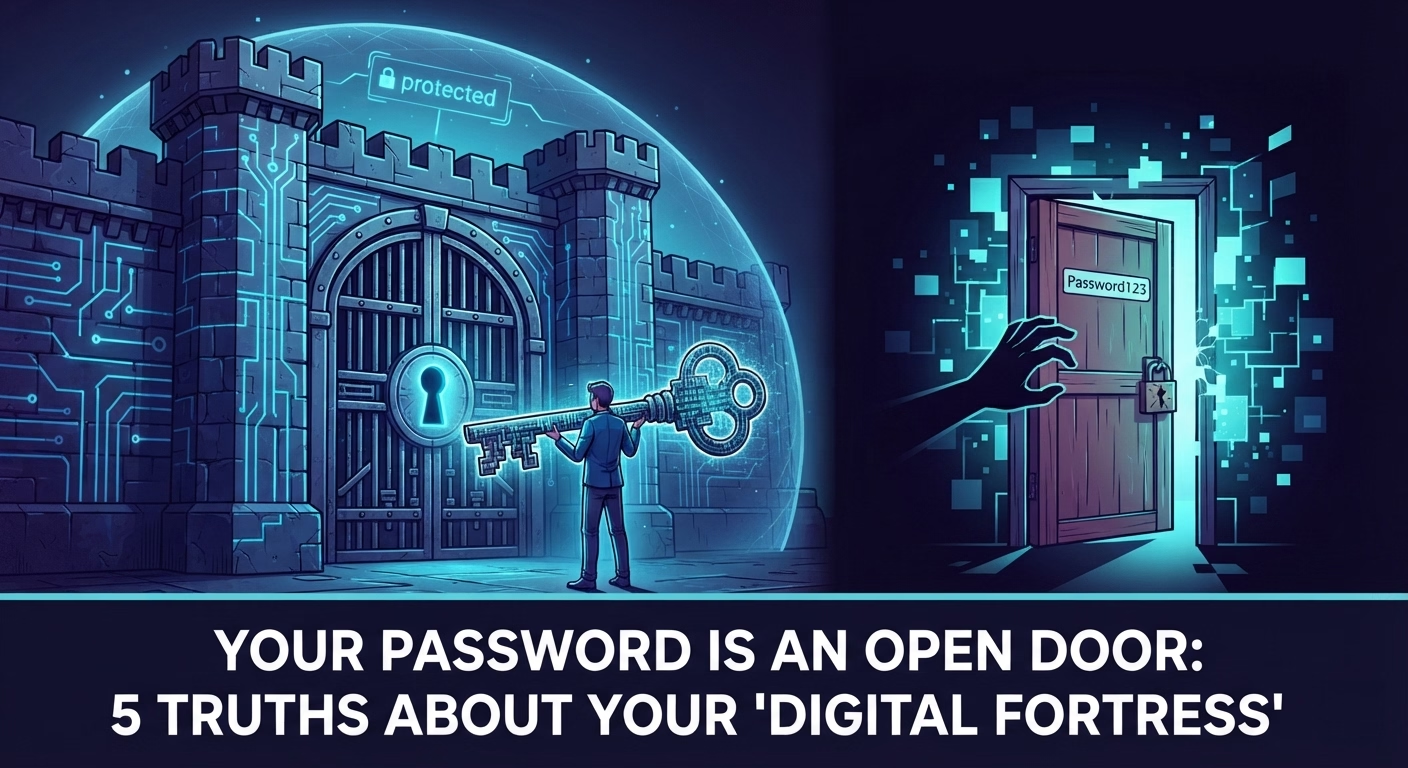
1. The Open Door Dilemma
In the complex digital labyrinth we navigate daily, our passwords are not mere codes; they are the master keys to our most intimate treasures: bank savings, social reputation, and private data. The problem is that we usually manage these keys with alarming carelessness. We treat our accounts as if they were reinforced vaults, but in practice, we leave the key under the doormat or, even worse, leave the door ajar. Protecting your identity is not a task reserved for experts—it is a daily responsibility that begins by understanding that your "fortress" is only as secure as the word you chose to enter it.
2. The Myth of "I Am Not a Target"
The phrase "I have nothing to hide" is a cybercriminal's best ally. Many users believe their profiles are not attractive enough to be hacked, ignoring that everyone is a gear in a much larger machine. In the cybercrime economy, any access is a tradeable commodity.
A simple compromise of your social media accounts can quickly escalate into identity theft to commit financial fraud in your name. Furthermore, in corporate or government environments, a weak password is the crack that enables mass exposure of highly confidential data on a massive scale, impacting thousands of individuals due to a single person's oversight.
"A weak password is like leaving your front door wide open, inviting intruders to snoop around and potentially cause serious harm."
3. Brute Force vs. Algorithmic Intelligence
We must banish the outdated mental image of a hacker manually guessing your password. Today, cybersecurity is a battle against massive automated processing. Attackers primarily leverage three lethal methods:
Brute Force Attacks: Automated software that tests billions of combinations per second. If your password is short, a standard modern algorithm will crack it almost instantaneously.
Dictionary Attacks: Systems that cross-reference lists of common words, variations, and previously leaked credentials.
Credential Stuffing: Automated tools that take lists of leaked usernames and passwords from compromised websites and try them across hundreds of other platforms, exploiting the fact that people reuse passwords.
Using your pet's name, your birthdate, or words found in the dictionary is a critical flaw. In the era of accelerated hardware-based decryption, predictability is synonymous with guaranteed access for an intruder.
4. The Power of the Passphrase
If you want to shield your access, remember this golden rule: length is power. The longer the character string, the greater the computational exponential effort required to break it, rendering a brute-force attack statistically impossible within a human lifetime. The winning strategy is utilizing a "passphrase".
Consider this example: "My orange cat loves lasagna on Mondays!". It is incredibly easy for you to remember, but a mathematical nightmare for a machine. To ensure it is truly robust, it must include a diverse range of characters:
Uppercase (A-Z) and Lowercase (a-z) letters.
Numbers (0-9).
Symbols and special characters: Do not limit yourself to a basic period or exclamation mark; utilize the full range: (!@#$%^&*()_+=-~[]{}|;':",./<>?).
Expert Tip: If you struggle to memorize distinct credentials, use a "base passphrase" and modify it slightly for each platform using a strict mental pattern that only you know (such as appending the website's initials or a personal abbreviation). This establishes a unique barrier for every site without overloading your memory.
5. Don't Reuse, Delegate (The Password Manager)
The most severe risk in cybersecurity is the chain reaction: if you reuse the same password everywhere and a single site suffers a data breach, all your accounts fall like dominoes. The smart solution is to delegate this mental burden to local, secure technology.
Lightweight utilities, like the generator tool included in the Ufumbuzi PWA ecosystem, are tailored precisely to streamline this process securely. Its interface is fully intuitive: it features a slider control to easily adjust password length (bringing it to at least 16 characters is highly recommended for modern compliance), provides checkable options to enforce uppercase letters, numbers, and that wide range of special symbols, and visually displays the real-time entropy and "strength" of your key with a dynamic security indicator. By utilizing these lightweight generators, you let technology work for your privacy, guaranteeing that every single "door" to your digital life relies on a unique, cryptographically sound key.
6. The Second Layer of Armor (2FA)
Even the strongest password needs a bodyguard. Two-Factor Authentication (2FA) is that vital secondary step—a time-based code sent to your device or generated via an authenticator app—that stops intruders dead in their tracks, even if they managed to harvest your credentials through sophisticated phishing campaigns.
However, vigilance must remain constant. Security is an active lifestyle, not a static setup:
Treat any unexpected link or email requesting your credentials with immediate suspicion.
Exercise extreme caution on public Wi-Fi networks: They are ideal environments for data interception and man-in-the-middle attacks. If you must connect, always employ a trustworthy VPN (Virtual Private Network) to fully encrypt your data traffic, adding an airtight layer of protection to your connection.
Conclusion: Your Security is in Your Hands
Your digital fortress is only as steady as the foundation supporting it, and that foundation is built one password at a time. Cultivating proper digital hygiene habits, relying on secure generation tools, and enforcing multi-layered defense frameworks are no longer optional tasks; they are the single way to survive an landscape of constant threats. The technology to secure your identity is already here; it is up to you to turn the lock.
When was the last time you inspected the foundations of your digital fortress, or are you waiting for someone to kick the door open?