PDF to Text | Ufumbuzi User Manual
1. Introduction to PDF to Text | Ufumbuzi
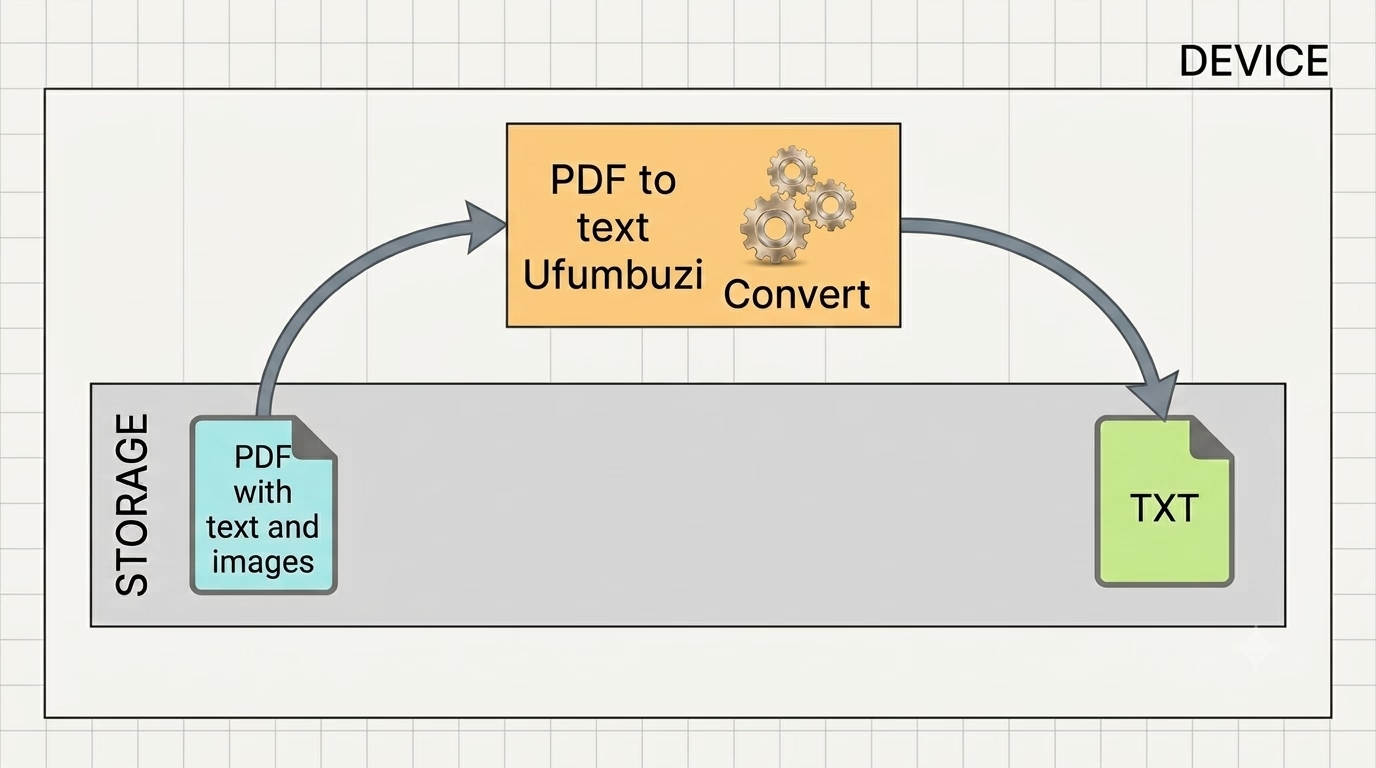
PDF to Text | Ufumbuzi is a multifunctional digital tool designed for the efficient management of PDF documents. The application provides a streamlined solution for viewing files and converting document content into an editable text format. Equipped with a hybrid smart OCR engine, it dynamically triggers local pixel audits to capture strings inside pure layout images or flat scanned pages locally inside your client sandbox.
2. Installation Guide (Progressive Web App)
To install the application for quicker access and a native experience, follow the instructions specific to your platform and browser:
| Platform | Browser | Action Required |
|---|---|---|
| Android | Chrome | Open the application, tap the menu, and select "Install app". |
| iPhone / iPad | Safari | Open the application, tap the "Share" button, and select "Add to Home Screen". |
| Desktop | Chrome, Edge, or Brave | Open the application and click the installation monitor icon in the address bar. |
3. Document Navigation Tools
The application features three primary methods for navigating through a document, allowing for both sequential reading and precise page location. You can comfortably read page by page using the previous and next arrows, view the sidebar for structural layout navigation via custom page thumbnails, or jump directly using percentages or specific page indexes.
4. Converting Documents: Export to Text
The primary tool for content extraction is the local text compiler. Clicking the "Text" export function processes the document pages natively, compiling characters dynamically, and triggering an immediate local download of a standard plain text (.txt) file without uploading data to server environments. If pages contain flat images with text, the client OCR initializes silently to extract letters right into the final document structure.
5. About Ufumbuzi and Support
PDF to Text is part of the Ufumbuzi PWA suite, an ecosystem of digital tools prioritizing ease of use and free access.