
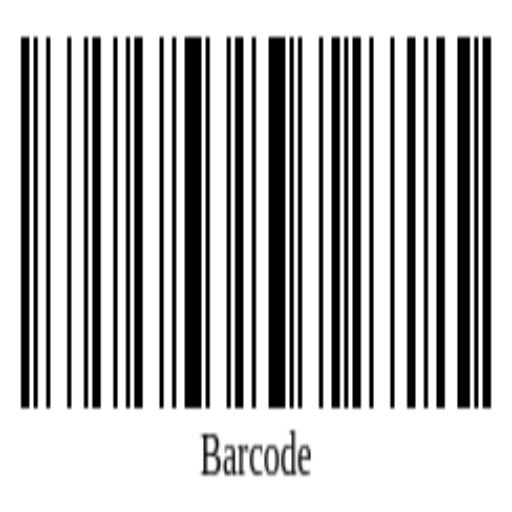
A tool designed to easily create and download barcodes. This application transforms numeric or alphanumeric information into a visual format of bars and spaces…
Find this application for Linux (.deb) at 👉 Linux Downloads
The Barcode Generator by Ufumbuzi is a specialized digital utility engineered to instantly convert alphanumeric data into industry-standard barcodes. Operating entirely within your web browser as a lightweight Progressive Web App (PWA), this platform simplifies the creation and downloading of functional barcodes, making it easier than ever to bridge the gap between digital data and inventory tracking systems.
The platform functions as an automated image generator that transforms numbers, letters, or complex codes into a standardized layout of parallel lines and spaces. This visual output is precisely formatted to be accurately interpreted and read by any standard optical barcode scanner.
Barcode Generator is a progressive web app. Install it from your browser and it runs like a normal app, with its own icon and its own window.
Open Barcode Generator in Chrome, tap the browser menu (⋮) and choose “Install app” or “Add to Home screen”.
Open Barcode Generator in Safari, tap the Share button and choose “Add to Home Screen”.
Open Barcode Generator in Chrome, Edge or Brave and click the install icon on the right side of the address bar.
A tool designed to easily create and download barcodes. This application transforms numeric or alphanumeric information into a visual format of bars and spaces that can be read by scanners
Yes. Barcode Generator is a free, ad-free progressive web app. It needs no sign-up and no payment details, and your data stays on your own device.
Yes. Once installed as a PWA, Barcode Generator runs from your device and keeps working when you have no internet connection.
Open Barcode Generator in your browser and choose “Install app” from the Chrome menu, or “Add to Home Screen” in Safari. It then opens with its own icon, like a native app.
Barcode Generator works on Android, iOS, Windows, macOS and Linux, because it is a progressive web app.
We use Hostinger to host Ufumbuzi, and we would rather tell you that plainly than pretend otherwise.
If you ever want to build something of your own, this is where we host Ufumbuzi. Hostinger offers shared hosting, domains and email at prices lower than most providers, and there is a discount waiting on the link.
Disclosure: Some links on this page are referral links. If you make a purchase through them, we may earn a small commission at no extra cost to you, while you get a special discount. We only recommend services that add real value.
Every app here is free, ad-free and open. Your support keeps them online and lets us keep adding new ones.
❤️ Support Ufumbuzi