
Calculate and convert between binary, octal, decimal, hexadecimal, base 32 and base 64. The keypad changes with the base and large integers stay exact.
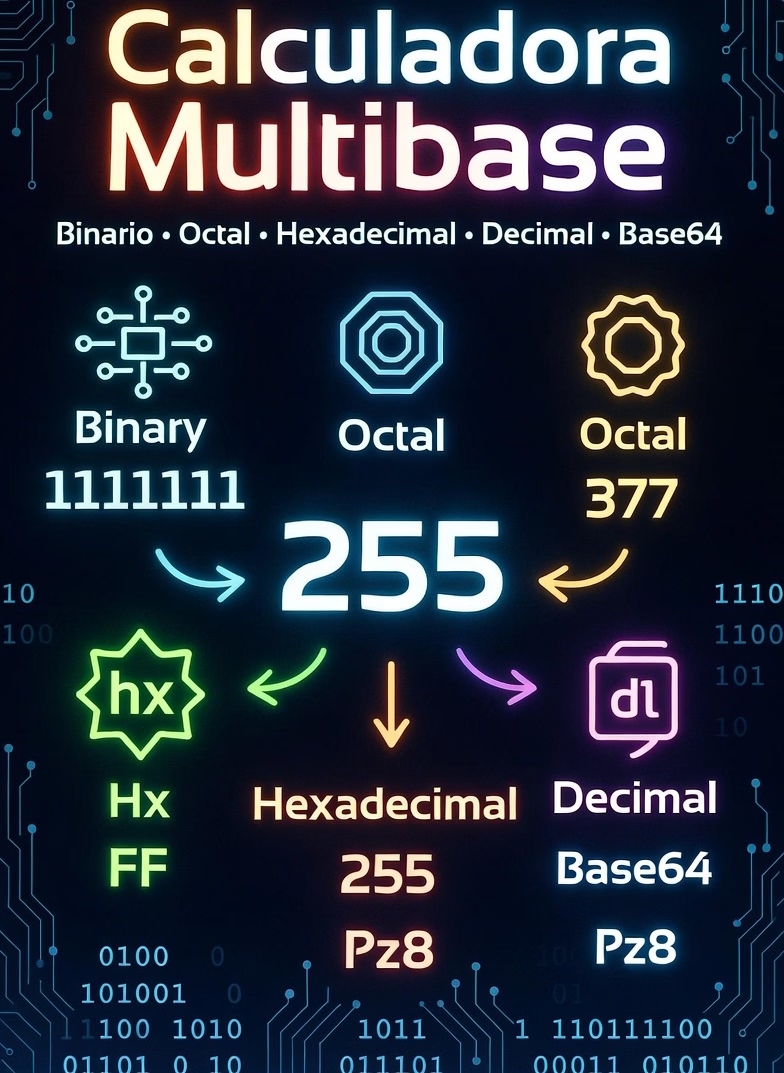
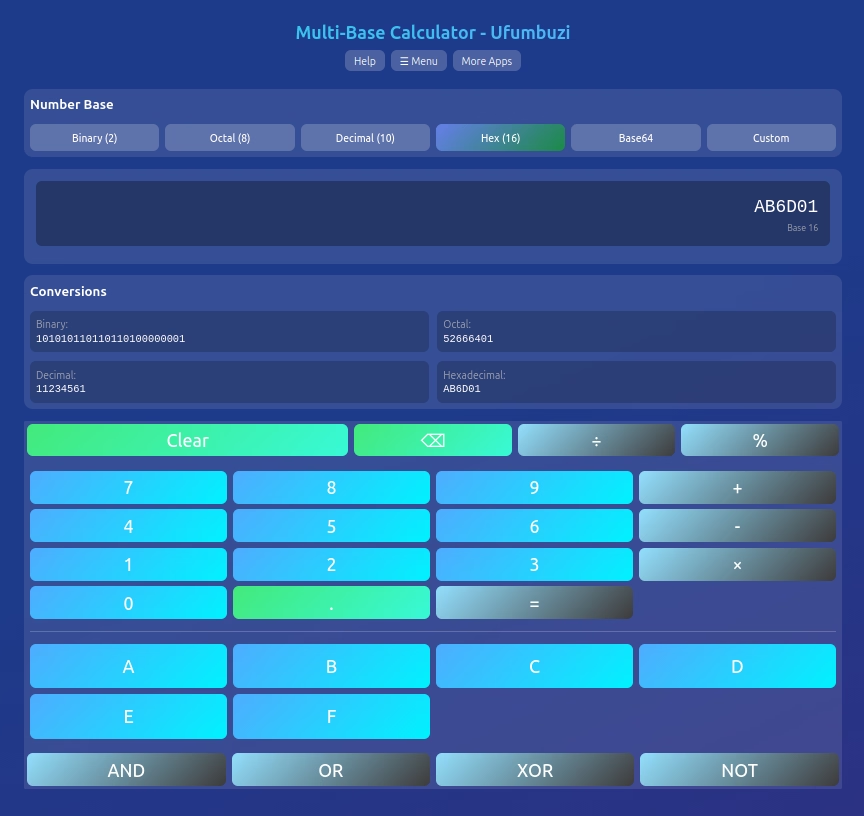
The Ufumbuzi Multi-Base Calculator is a calculator and converter for people who work with numbers that are not decimal. It calculates in binary, octal, decimal, hexadecimal, base 32, base 64 and custom bases from 2 to 36, and shows the same value in every base at once. The keypad changes with the selected base: binary only shows 0 and 1, hexadecimal shows 0–F, and base 64 shows its 64 symbols.
The keypad is not a fixed decimal keypad with empty holes. It is rebuilt for the base you choose. Binary shows only 0 and 1; octal shows 0–7; decimal keeps the familiar 7–8–9 order; hexadecimal shows 0–9 and A–F; base 32 shows 0–9 and A–V; and base 64 shows all 64 symbols. Custom bases show only the digits they use, so the keypad stays compact and there is no need to scroll sideways to find a character.
The operators live in a separate row, which matters in base 64 because + and / are also digits. The two symbol keys in the digit pad enter those digits, while the operator buttons perform addition and division. On a physical keyboard, + and / are treated as operators; use the on-screen digit keys when you need those base-64 symbols.
A binary representation grows quickly. A decimal number with twenty digits can produce a binary string with more than sixty characters. Instead of wrapping that string into several lines and pushing the keypad down, the calculator keeps the display and every conversion on a single scrollable line. The keypad stays where it is, even when the result is hundreds of characters long.
This is useful on phones and small laptop screens, where a wrapped binary row used to move the buttons below the visible area. The conversions panel also has a fixed maximum height and scrolls inside its own card, so a long number never changes the page layout.
Base 64 in this calculator is a positional number base that uses the symbols 0–9, A–Z, a–z, + and /. It is not MIME Base64 encoding or decoding of files and text, and it does not add = padding. If you need to encode binary data for JSON, email or a URL, use a dedicated Base64 encoder.
Because base 64 is a number base here, it works with integers only. Choose another base if you need fractions. The app explains this in the help panel so the distinction is clear before you start a calculation.
Programmers use the calculator to check bit masks, permissions, memory addresses, color values and protocol fields. Octal is common in Linux permissions, hexadecimal appears in colors and memory dumps, and binary is the reference for bitwise operations. Students can use it to check conversions while learning how positional number systems work.
For example, a Unix permission such as 755 in octal can be read next to its binary and hexadecimal forms, and a hexadecimal color value can be checked against its decimal channels. The same value is always visible in every base, so there is no need to repeat the conversion in separate tools.
The calculator is a progressive web app. After the first load it works without a connection, and it can be installed on a phone or desktop. All calculations run in the browser: there is no account, no advertising and no upload of the numbers you enter. The app is free and does not require a sign-up.
If you need ordinary arithmetic with units, the unit converter is the better fit. If you need to read a scanned code, the code scanner turns it into text.
Linux: a .deb package is listed in the Linux downloads section.
Multi-Base Calculator is a progressive web app. Install it from your browser and it runs like a normal app, with its own icon and its own window.
Open Multi-Base Calculator in Chrome, tap the browser menu (⋮) and choose “Install app” or “Add to Home screen”.
Open Multi-Base Calculator in Safari, tap the Share button and choose “Add to Home Screen”.
Open Multi-Base Calculator in Chrome, Edge or Brave and click the install icon on the right side of the address bar.
Calculate and convert between binary, octal, decimal, hexadecimal, base 32 and base 64. The keypad changes with the base and large integers stay exact.
Yes. Multi-Base Calculator is a free, ad-free progressive web app. It needs no sign-up and no payment details, and your data stays on your own device.
Yes. Once installed as a PWA, Multi-Base Calculator runs from your device and keeps working when you have no internet connection.
Open Multi-Base Calculator in your browser and choose “Install app” from the Chrome menu, or “Add to Home Screen” in Safari. It then opens with its own icon, like a native app.
Multi-Base Calculator works on Android, iOS, Windows, macOS and Linux, because it is a progressive web app.
We use Hostinger to host Ufumbuzi, and we would rather tell you that plainly than pretend otherwise.
If you ever want to build something of your own, this is where we host Ufumbuzi. Hostinger offers shared hosting, domains and email at prices lower than most providers, and there is a discount waiting on the link.
Disclosure: Some links on this page are referral links. If you make a purchase through them, we may earn a small commission at no extra cost to you, while you get a special discount. We only recommend services that add real value.
Every app here is free, ad-free and open. Your support keeps them online and lets us keep adding new ones.
❤️ Support Ufumbuzi