

About Our Free App Store (PDF)
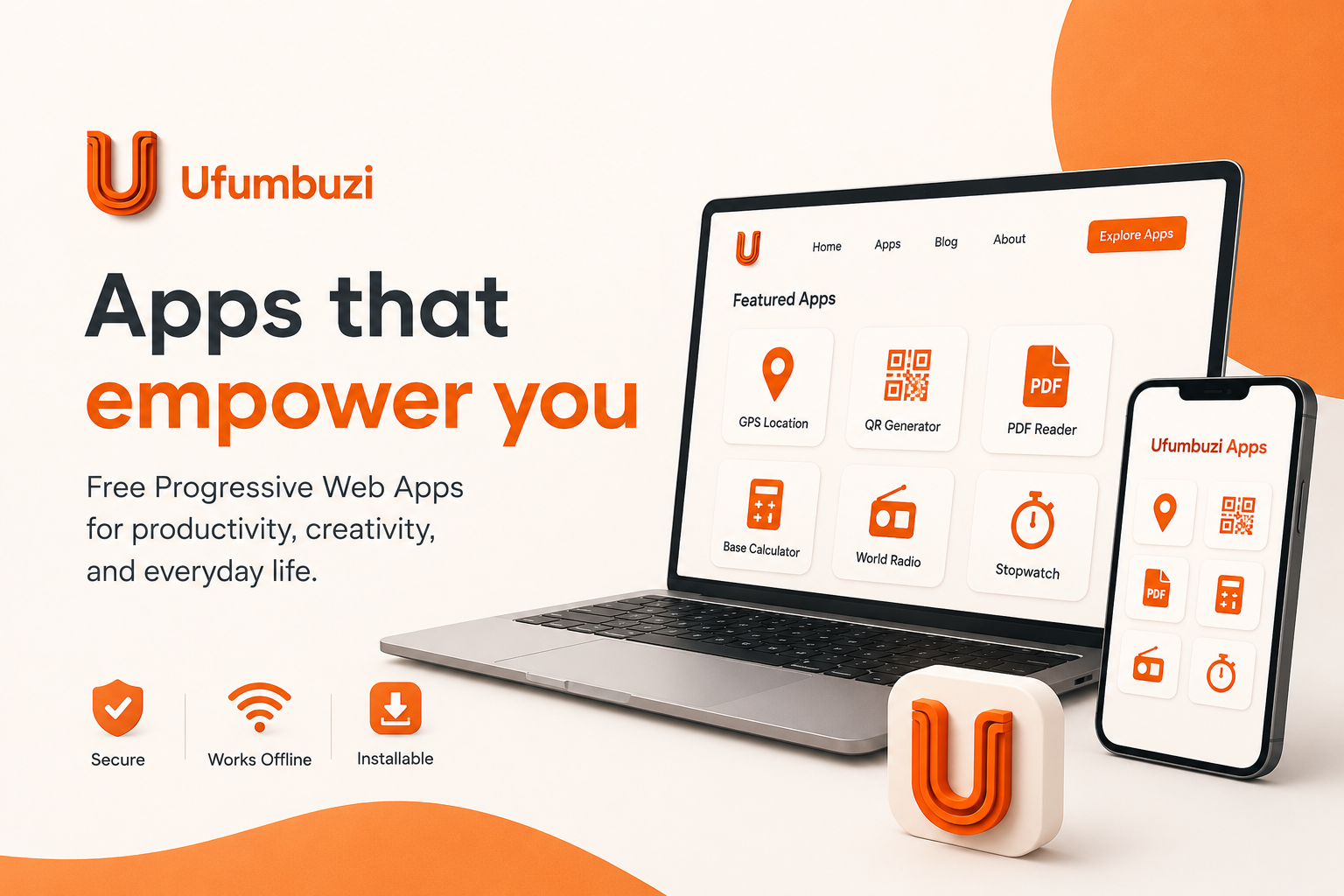
This catalog includes powerful Progressive Web Apps (PWAs) that can be installed on different devices and will boost your productivity, creativity, and efficiency.
Discover this world of practical tools that are designed to be fast, reliable, and accessible directly from your browser, offering a seamless experience without the need for traditional app store downloads.
Simply click, explore, and add them to your home screen for instant access. Discover how these innovative apps can improve your daily productivity and simplify your digital life!
What does Ufumbuzi mean?
The word Ufumbuzi means "Solution" in Swahili. So it's a fitting name for this site, which we created with the goal of making a series of FREE applications available to many people that can make their everyday tasks easier.
What is the Ufumbuzi App Hub?
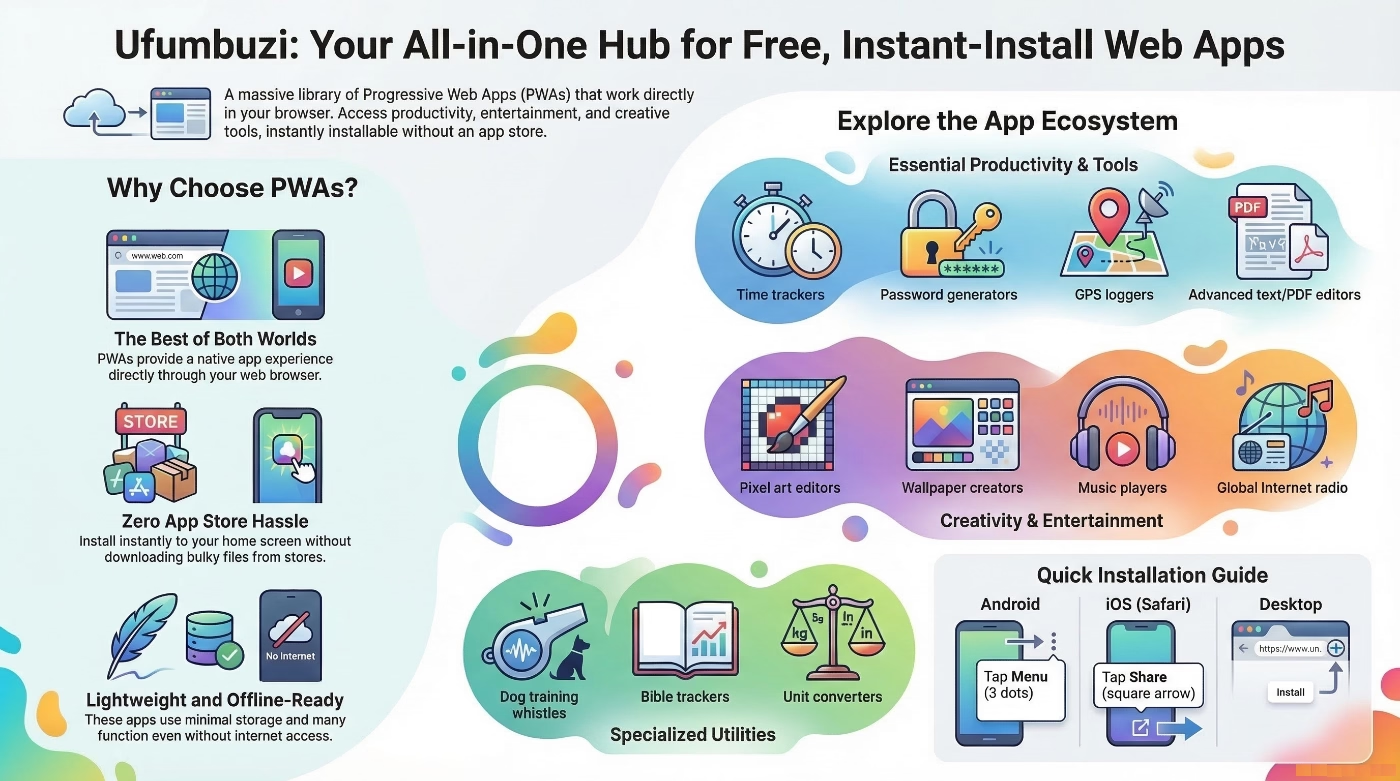
The "Free Web Apps Hub," developed under the Ufumbuzi brand, represents a comprehensive platform of digital tools designed to enhance daily productivity, creativity, and efficiency. The core proposition is based on the use of Progressive Web Apps (PWAs)—a technology that eliminates the need for downloads through traditional app stores, allowing direct access from the browser with a native app-like experience.
What types of applications do we offer?
The ecosystem encompasses a wide range of categories, including interactive games, multimedia entertainment tools, professional productivity managers, and technical utilities. The main categories are: Productivity, Games & Activities, Entertainment, Tools, and Others.
What technology is used to develop these apps?
The Ufumbuzi architecture is built on PWAs (Progressive Web Apps), which bridge the gap between conventional websites and native mobile applications.
What are the main features of these applications?
Progressive: They work for any user, regardless of their browser choice, thanks to the principles of progressive enhancement.
Installable: They can be added to the device's home screen without going through an app store, allowing them to launch in full-screen mode.
Connectivity Independence: Thanks to service workers, many of these tools function offline or on low-quality networks through caching.
Security: They are served exclusively over HTTPS protocols to guarantee data integrity.
Resource Efficiency: They take up less storage space than native apps and update automatically in the background.
What are the benefits of using these types of applications?
Quick Access: Elimination of download barriers; installation in seconds.
Multiplatform: Responsive design that seamlessly adapts to desktops, tablets, and mobile devices.
Performance: Loading times are generally faster than traditional websites.
Discoverability: Since they are essentially websites, they are easily locatable through search engines.
How is my privacy handled?
There is a philosophy called Privacy by Design (Privacy First), which basically means building technology with the user's protection in mind from the very first line of code. It’s not a band-aid slapped on at the last minute just to comply with a law; it’s designing the web with respect for people. A great example of this is ufumbuzi.com, a site that proves the internet can be incredibly useful without needing to watch your every move.
What is the mission of Ufumbuzi?
The Ufumbuzi ecosystem positions itself as a comprehensive, low-cost, and highly accessible solution. By removing dependency on app store infrastructures and focusing on the PWA standard, the platform successfully delivers functional, secure, and lightweight tools that address everyday needs—ranging from health (BMI and blood pressure calculators) to animal training (digital whistle)—all under a philosophy of free access and technical simplicity.
Frequently asked questions from users looking for a solution online:
1. Is there an app to create EPUB files that includes images?
Sure, you can use the Ufumbuzi Advanced Text Editor, which allows you to open a text or HTML file, type text directly into the editor, and insert images. Once you have your complete document ready, you can simply save it in EPUB format and that's it.
2. Is there a random abstract wallpaper generator?
Yes, you can use the Ufumbuzi Random Wallpaper app, which features four styles and several substyles of random abstract wallpapers. Some styles allow you to configure various parameters to customize the wallpapers to your liking.
You can also create your own wallpapers using any of these drawing apps with features designed to boost creativity in making custom wallpapers, including text: Wallpaper Creator or Drawing Board.
3. How can I turn an old tablet into a digital photo frame?
You can use the Ufumbuzi Photo Frame app, which allows you to load images from your device, set the transition time between images, schedule the display hours, and apply transition effects. Once you start the slideshow, the images are displayed in full screen.
4. Can I extract text from a PDF file or an image?
Of course you can! With our PDF Reader and text converter app, you can load a PDF file from your device, view it, read it, navigate by pages or percentage, and use the text extraction option. Don't worry if the PDF is a scanned document or contains only images, because this powerful app can extract text even from images within the PDF. You can then save the result as a text file on your device.
But that's not all, we also have a text extractor specifically for images: Image to Text. Just choose the language (English or Spanish), load an image from your device, and the app will extract any text it finds in the image. You can then copy the text to your clipboard and paste it wherever you want to share it.
5. Where can I find nature photos in AVIF format?
There is no doubt that the AVIF format is booming right now due to its high quality and low storage footprint. While many wallpaper sites host very heavy images in other formats, at Ufumbuzi Wallpapers we have a wide variety of beautiful wallpapers ready to download in AVIF format.
6. Is there a place where I can access hundreds of internet radio stations?
Yes, the app you are looking for is called Ufumbuzi World Internet Radio. It features hundreds of stations from all over the world, which you can search by country, genre, or station name. Plus, you can select your favorite stations to listen to them whenever you want.
7. I need to store encrypted confidential information and don't want to upload it to the cloud; how do I do that?
Use our Encryptor application. It allows you to enter text or upload a text file and set a keyword that only you know, encrypting confidential information such as passwords for your email accounts, social media, and apps. You can save the encrypted file wherever you prefer. When you need to access your information, simply upload the encrypted file and use your keyword to decrypt, read, and edit it. All of this takes place locally on your device; nothing is uploaded to any server.