

Save and manage GPS locations. Get latitude and longitude. Give your location a name and description, and organize your locations into groups.
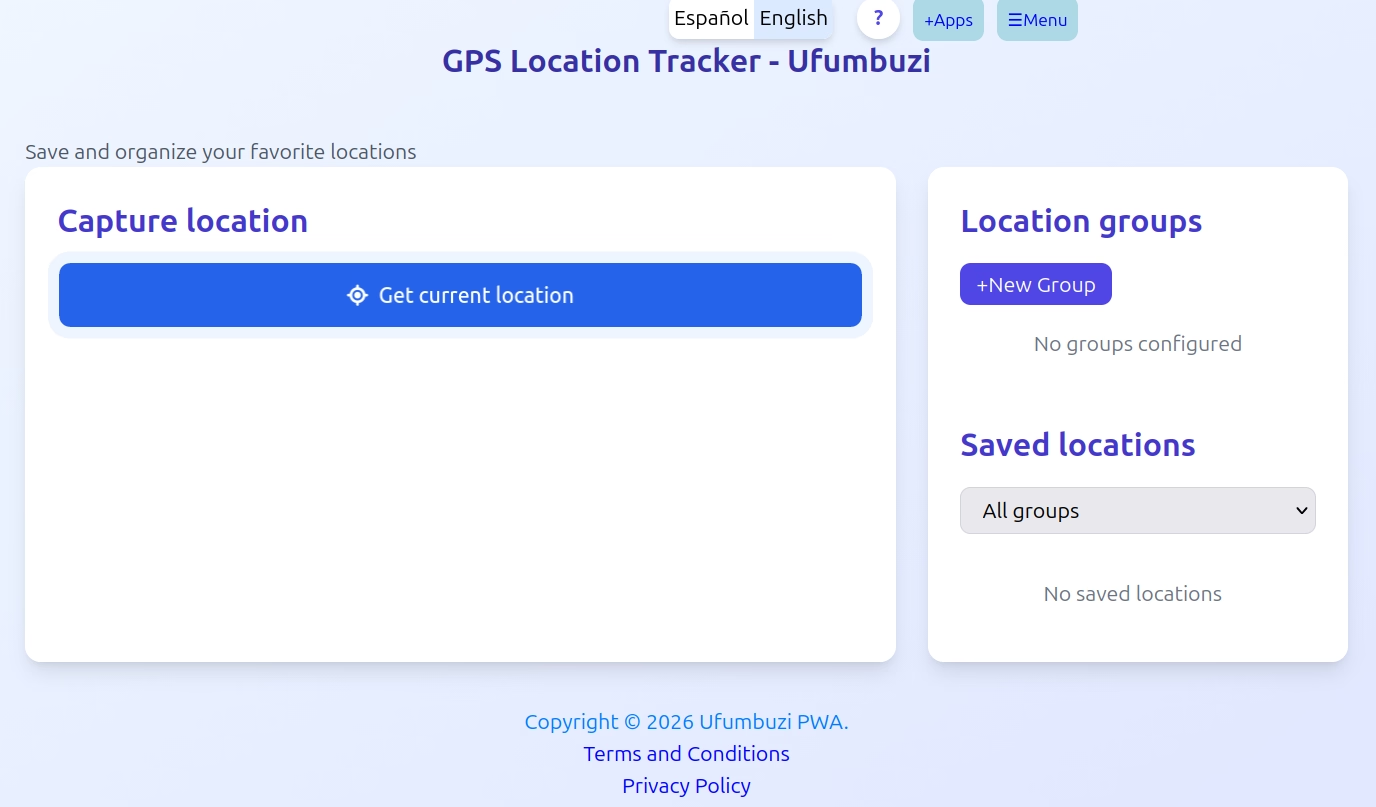
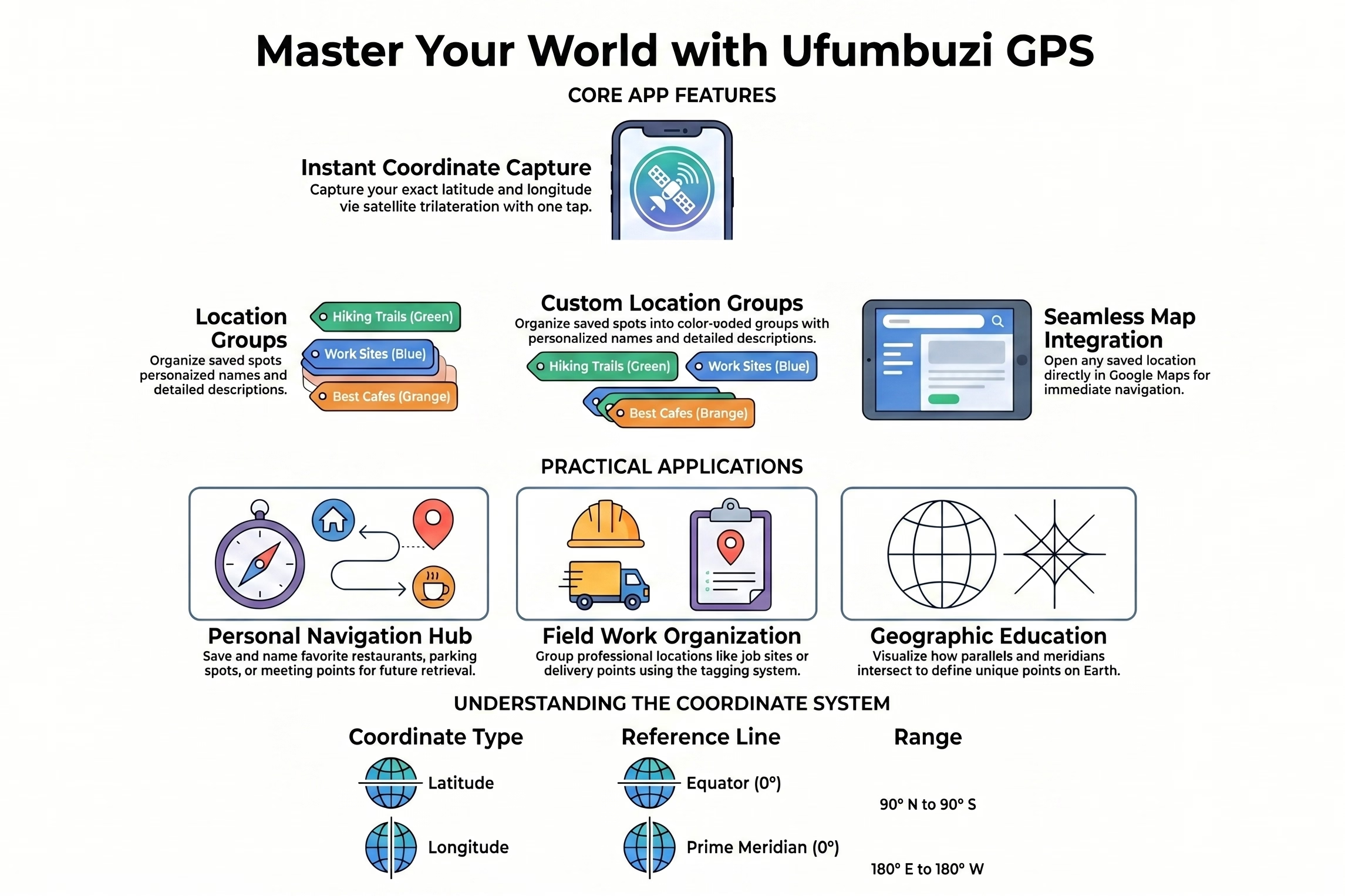
Whether managing a busy itinerary of client meetings for work or cataloging your favorite weekend lookouts, scattered notes and addresses can disrupt your day. GPS Location Tracker by Ufumbuzi streamlines your travels by turning your device into a localized, organized geographical directory.
Categorize your pins into custom-named buckets like Clients, Family, Field Work, or Hidden Gems, paired with distinct color profiles for rapid visual filtering.
Attach comprehensive notes, descriptors, or contact names to any point. Launch navigation directly inside Google Maps or seamlessly share links with team members and friends.
Your personal travel data belongs to you. Every coordinate and note is saved entirely inside your device's local memory—completely offline, secure, and independent of external servers. Take total control by downloading local text backups to archive or move coordinates between your personal devices easily.
GPS Location Tracker is a progressive web app. Install it from your browser and it runs like a normal app, with its own icon and its own window.
Open GPS Location Tracker in Chrome, tap the browser menu (⋮) and choose “Install app” or “Add to Home screen”.
Open GPS Location Tracker in Safari, tap the Share button and choose “Add to Home Screen”.
Open GPS Location Tracker in Chrome, Edge or Brave and click the install icon on the right side of the address bar.
Save and manage GPS locations. Get latitude and longitude. Give your location a name and description, and organize your locations into groups.
Yes. GPS Location Tracker is a free, ad-free progressive web app. It needs no sign-up and no payment details, and your data stays on your own device.
Yes. Once installed as a PWA, GPS Location Tracker runs from your device and keeps working when you have no internet connection.
Open GPS Location Tracker in your browser and choose “Install app” from the Chrome menu, or “Add to Home Screen” in Safari. It then opens with its own icon, like a native app.
GPS Location Tracker works on Android, iOS, Windows, macOS and Linux, because it is a progressive web app.
Every app here is free, ad-free and open. Your support keeps them online and lets us keep adding new ones.
❤️ Support Ufumbuzi