

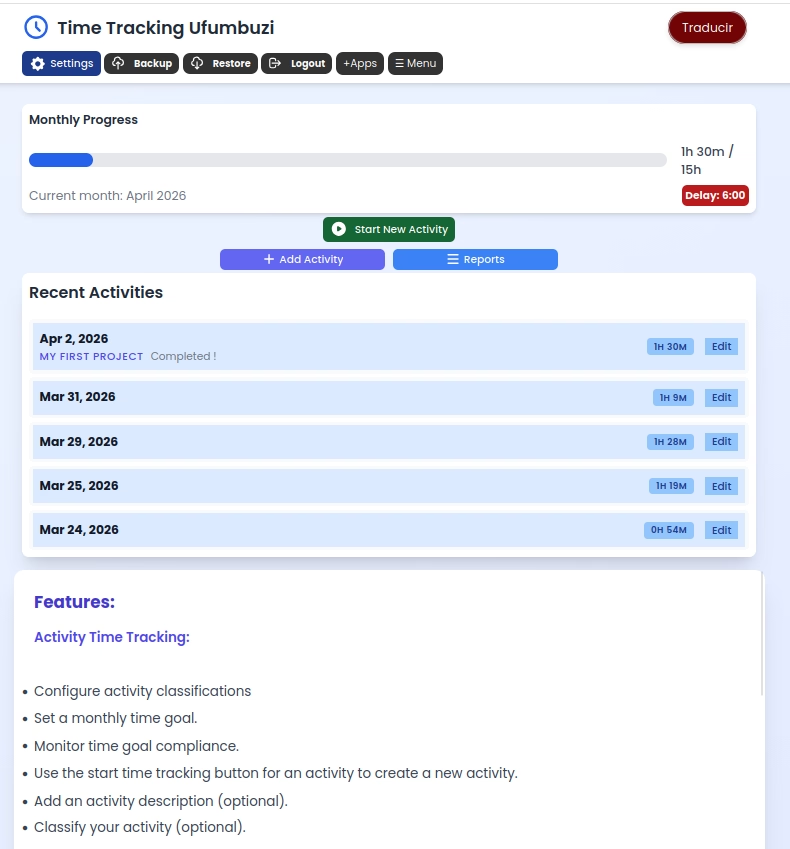
Track the time you spend on projects or types of activities and set monthly hour goals for each project or activity type. You can record this using the…
Find this application for Linux (.deb) at 👉 Linux Downloads
This application can be useful for a variety of purposes, primarily related to tracking and managing the time spent on different activities. Here are some of the most common and relevant uses:
Hourly Billing: Allows for the precise recording of time spent on each project or client to then generate detailed invoices. The option to edit time is useful for correcting errors or adjusting the actual time worked if forgetting to start or stop the timer. The monthly accumulation facilitates an overview of billable hours.
Project Management: Helps control the time invested in the different phases of a project, allowing for the identification of bottlenecks, the evaluation of efficiency, and the creation of more accurate estimates for future work.
Personal Productivity Analysis: Allows the professional to understand how their time is distributed among different tasks, identify distractions, and optimize their workflow.
Recording Work Hours (in the absence of a formal system): For employees who do not have an automated time-tracking system, this application can be a simple solution for keeping track of their hours, especially if they work on projects or have flexible schedules.
Tracking Time Spent on Specific Tasks: Even in companies with time-tracking systems, an employee could use this application to measure the time spent on particular tasks within their workday, for self-evaluation purposes or to inform their supervisor about the distribution of their time.
Study Time Management: Allows for the recording of time spent on each subject or academic task, helping students to distribute their time effectively and to identify areas where they need to dedicate more effort.
Tracking Time Spent on Projects: Facilitates the control of time invested in group work or individual projects, helping to meet deadlines and evaluate the dedication of each team member (in a personal context).
Tracking Habits and Activities: Can be used to measure the time spent on hobbies, exercise, reading, personal projects, etc. This helps to become aware of how free time is spent and to encourage desired habits.
Personal Project Management: Similar to professionals, it can be used to control the time spent on different phases of a personal project (home renovation, organization, etc.).
Recording Time Spent on Volunteering: Allows for the recording of time spent on volunteer activities.
Precision: The start and end button allows for a more accurate recording of time worked compared to estimations.
Flexibility: The option to edit time is crucial for correcting errors or adjusting the record if forgetting to start or stop the timer at the exact moment.
Overview: The monthly accumulation provides a clear perspective of the time spent on different activities throughout the month, facilitating analysis and decision-making.
Organization: Helps maintain an organized record of time, which is fundamental for project management, billing, and personal analysis.
In summary, an application with these features is a versatile tool for anyone or professional who needs to measure, record, and analyze the time spent on various activities, whether for work, academic, or personal purposes. The combination of precise recording with editing flexibility and the overview of the monthly accumulation makes it a useful solution for time management.
Time Tracking is a progressive web app. Install it from your browser and it runs like a normal app, with its own icon and its own window.
Open Time Tracking in Chrome, tap the browser menu (⋮) and choose “Install app” or “Add to Home screen”.
Open Time Tracking in Safari, tap the Share button and choose “Add to Home Screen”.
Open Time Tracking in Chrome, Edge or Brave and click the install icon on the right side of the address bar.
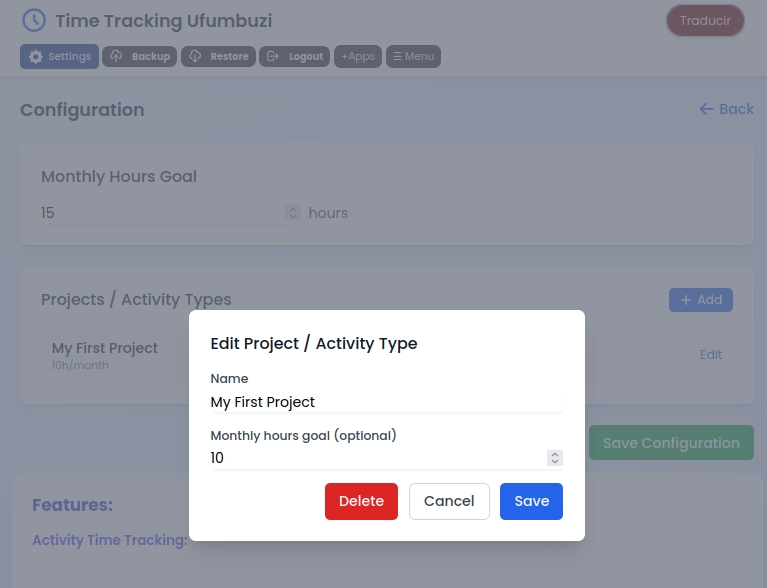
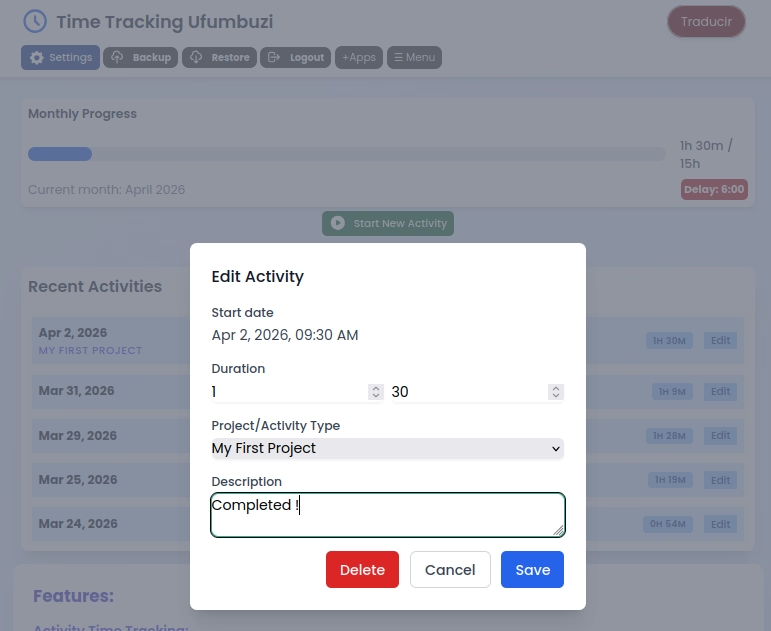
Track the time you spend on projects or types of activities and set monthly hour goals for each project or activity type. You can record this using the stopwatch function or manually.
Yes. Time Tracking is a free, ad-free progressive web app. It needs no sign-up and no payment details, and your data stays on your own device.
Yes. Once installed as a PWA, Time Tracking runs from your device and keeps working when you have no internet connection.
Open Time Tracking in your browser and choose “Install app” from the Chrome menu, or “Add to Home Screen” in Safari. It then opens with its own icon, like a native app.
Time Tracking works on Android, iOS, Windows, macOS and Linux, because it is a progressive web app.
Every app here is free, ad-free and open. Your support keeps them online and lets us keep adding new ones.
❤️ Support Ufumbuzi